Install IPTV on Hisense VIDAA TV easily. Request our risk-free trial today to test high-speed live streams on your Smart TV setup!

How to Install IPTV on Hisense VIDAA TV

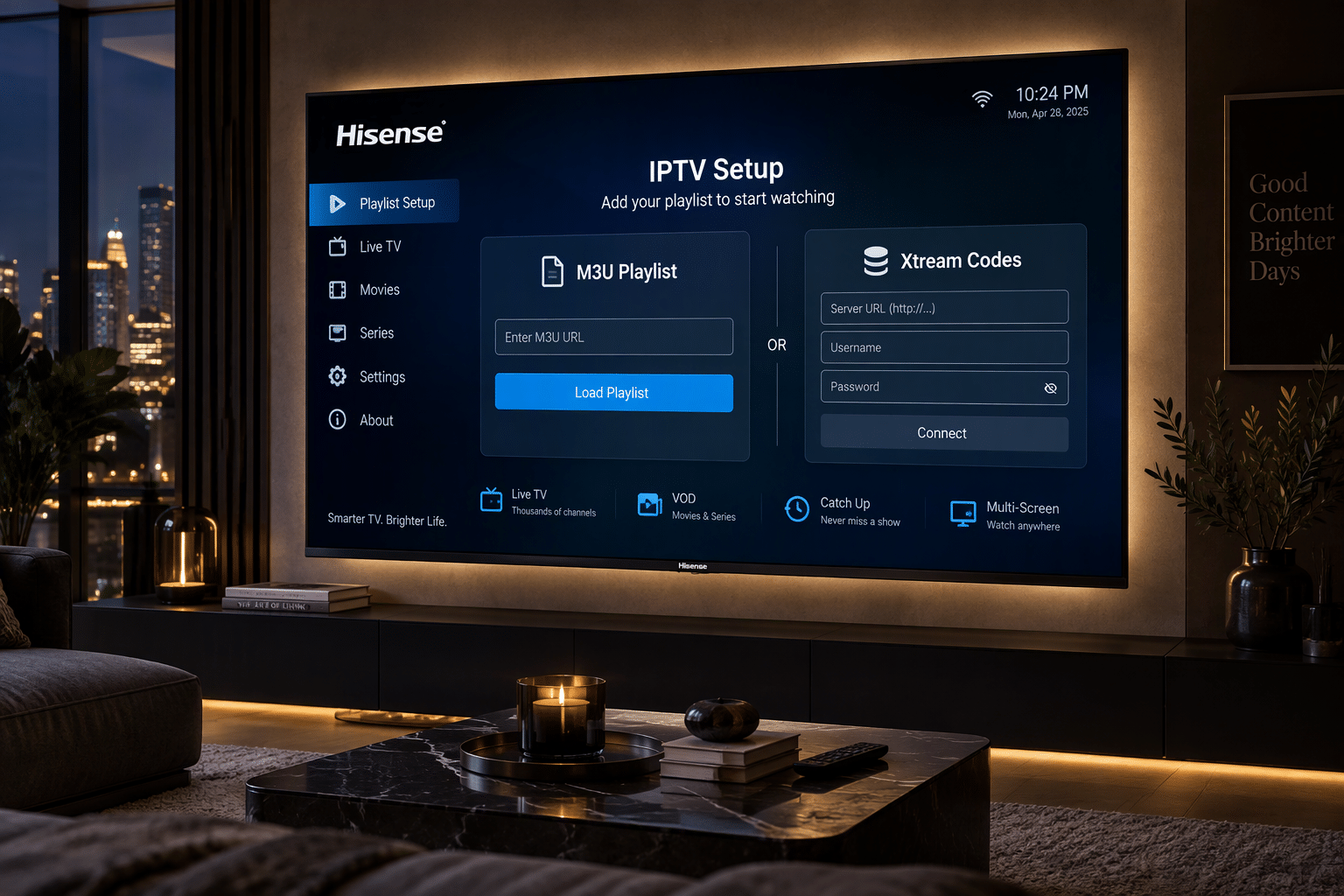
If you want to install IPTV on Hisense TV sets quickly, you need the right setup methods for M3U playlists and Xtream Codes.To install IPTV on Hisense VIDAA TV, download compatible players like SS IPTV, Smartone, or OTT Player directly from the VIDAA App Store, then upload your playlist M3U link or Xtream Codes login. Because VIDAA OS does not support standard Android APK files natively, using these official store apps is the easiest method to stream content without buying extra hardware.

Step-by-Step Guide to Install IPTV on Hisense via VIDAA Store

Setting up your live channels takes just a few minutes when you follow these clear steps:
Therefore, restarting the app on your TV instantly loads your full channel lineup and program guide.

💡 Ready to stream instantly?

Grab a high-speed playlist connection, or head over to our Shop to get your free trial test right now!

Why You Should Install IPTV on Hisense Using Compatible Player Apps

Many new Hisense TV owners try to sideload Android apps, but VIDAA OS runs on a separate HTML5 framework. Consequently, downloading certified media players from the built-in VIDAA App Store provides the smoothest performance. Additionally, using native apps prevents playback crashes and video decoding errors on your smart screen. If you want to compare different player interfaces before configuring your television, check out our guide on the Best IPTV Player Apps in 2026.
Test Your Streams Before Buying a Paid Subscription
Since finding a stable playlist provider can feel stressful, we believe you should test before spending a single dollar. For this reason, we offer a risk-free demo so you can install IPTV on Hisense and check channel quality and server speed directly on your TV setup.
Need an active playlist to test your setup?

Avoid connection errors when migrating your active streams! Discover reliable, multi-device server plans with zero buffering.

Related Content

Frequently Asked Questions

Yes, you can install player apps like SS IPTV or Smartone directly from the built-in VIDAA App Store without buying an external Android box.
SS IPTV, Smartone, and OTT Player are among the most reliable player applications available on the VIDAA OS platform.
Scroll to Top