Guide to Setting Up IPTV on Firestick
What is IPTV?
IPTV delivers live TV and movies via the internet instead of cable or satellite. It offers on-demand flexibility, making IPTV on Firestick the ultimate way to control your viewing experience.
Why Use a Firestick?
The Firestick is the top choice for IPTV on Firestick due to its low cost and powerful hardware. Its Android system allows for easy sideloading, providing the most portable and flexible streaming setup available.
Legality & Safety
For a secure IPTV on Firestick experience, always choose reputable providers and use a quality VPN. This protects your data from ISP tracking and prevents speed throttling for a smoother stream.
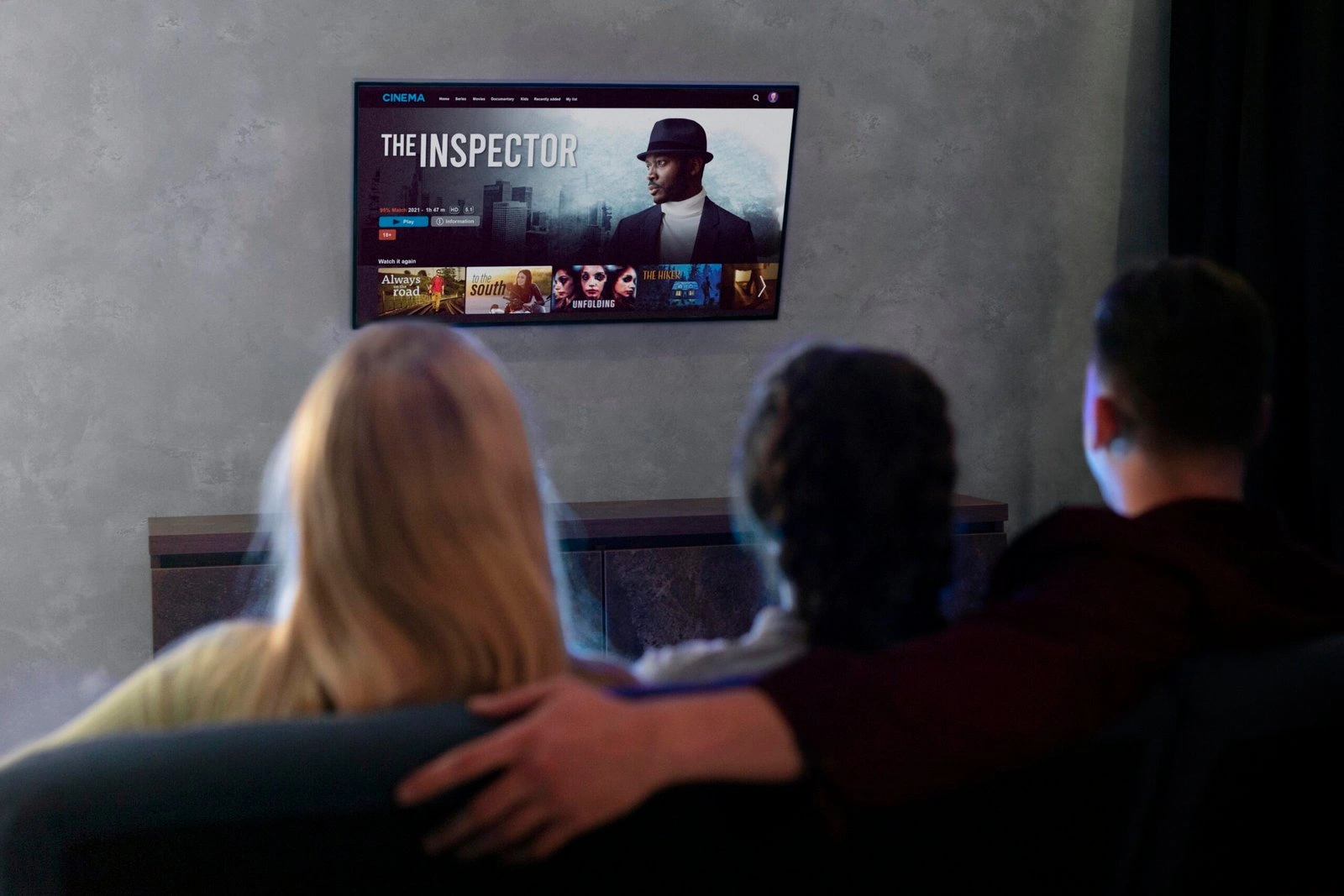
Start Streaming Today with IPTV on Firestick!
Pre-Setup: Preparing the IPTV on Firestick
Step 1: Enable Developer Options
- Go to Settings (gear icon) on your Firestick home screen.
- Select My Fire TV > About.
- Highlight your Fire TV Stick name and click it 7 times quickly until it says, "No need, you are already a developer."
- Go back one screen to Developer Options and ensure ADB Debugging is turned ON.
Step 2: Install the Downloader App
- Go to the Find menu and search for Downloader.
- Click the orange icon and select Download to install it.
- Return to Settings > My Fire TV > Developer Options.
- Select Install Unknown Apps, find Downloader, and toggle it to ON.
Top Players for IPTV on Firestick

TiviMate
Widely considered the best for a "premium" cable-like experience. It features a highly polished TV guide (EPG), scheduled recordings, and multi-view.
IPTV Smarters Pro
The most popular and user-friendly choice. It’s excellent for beginners because it categorizes Live TV, Movies, and Series into a clean, easy-to-navigate dashboard.

Perfect Player
A lightweight option that is great for older Firestick models. It uses very few system resources while still offering a high level of UI customization.
| Feature | TiviMate (Premium) | IPTV Smarters Pro | Perfect Player |
|---|---|---|---|
| Best For | Premium Cable Feel | Ease of Use | Low-Power Devices |
| EPG Support | Excellent (Advanced) | Good | Standard |
| Multi-Screen | Yes (Up to 9 screens) | Yes (Up to 4 screens) | No |
| Interface | Modern & Sleek | Dashboard Style | Traditional/Simple |
| Customization | High | Medium | High |
How to Choose a Quality IPTV Service
99.9% Uptime
Look for near-perfect reliability to ensure IPTV on Firestick remains buffer-free during live events.
HD/4K Selection
A quality service offers massive libraries of local and international channels in 4K without lag.
24/7 Support
Priority customer care is essential for troubleshooting your IPTV on Firestick setup at any time.
Experience Premium Streaming
Tired of buffering and missing channels?
The Solution:
Troubleshooting & Optimization IPTV on Firestick
How to Fix Buffering:
Clear Cache: Go to Settings > Applications > Manage Installed Applications, select your IPTV app, and click Clear Cache.
- Check Speed: Ensure you have at least 25 Mbps for 4K streaming.
- Change Video Format: In your app settings, switch the stream format from "MPEGTS" to "HLS" for better stability on slower connections.
Updating Your App:
Restart Your Device:
FAQ About IPTV on Firestick
Yes, IPTV technology itself is legal. However, the legality depends on the service provider. To stay safe, always choose reputable providers that hold proper licensing for the content they broadcast.
While not strictly required, a VPN is highly recommended for IPTV on Firestick. It protects your privacy from ISP tracking, bypasses regional blocks, and prevents “ISP throttling,” which can slow down your connection during live sports or peak hours.
Freezing is usually caused by a slow internet connection, server congestion, or a full app cache. To fix it, ensure you have at least 20 Mbps, clear your app cache in the Firestick settings, and use an optimized player like TiviMate or IPTV Smarters Pro.