Transfer IPTV Subscription to a New TV or Device
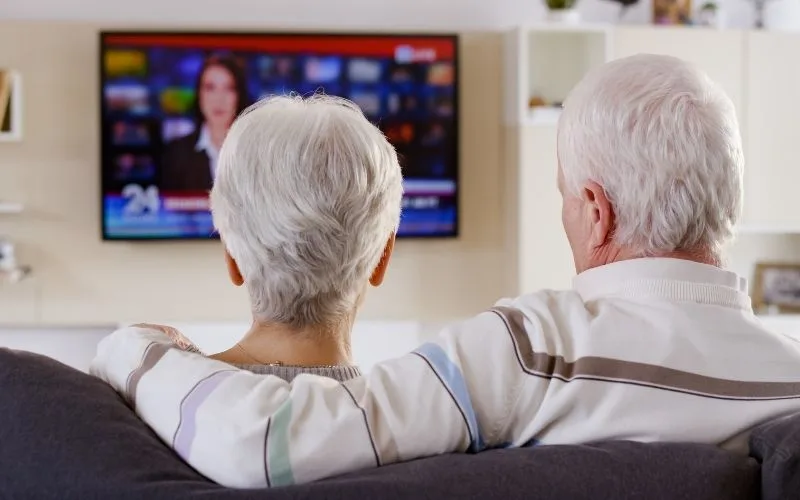
Upgrading your home entertainment setup feels exciting, but figuring out how to transfer IPTV subscription details to a fresh screen often causes unexpected headaches. However, moving your active channels and movie lists to a new smart TV or streaming stick takes only a few simple minutes. If you want seamless, instant playback without technical delays, you can request a free trial from iptvtrial.pro to test fast connections on your new hardware today.
Steps to Transfer IPTV Subscription Credentials Easily
When preparing to transfer IPTV subscription profiles between screens, your exact steps depend on your original login format. Furthermore, identifying whether your service uses Xtream API, M3U playlists, or Stalker portal logins prevents connection blocks.
Player Name
New Device Setup Action
Transfer Difficulty
Xtream Codes API
Re-enter Server URL, Username, & Password
Very Easy
M3U Playlist URL
Copy/Paste full web link or import file
Easy
Stalker MAC Portal
Update device MAC address with provider
Requires Provider Sync
Moving Xtream Codes API Logins to Transfer IPTV subscription
Reinstalling your account via Xtream Codes API remains the simplest transfer method available. Consequently, you only need to download your favorite media application on your new TV and enter your assigned server details.
Pros: Automatic category sync, fast login process, and instant electronic program guide updates.
Cons: Requires logging out of your previous device if your provider limits simultaneous active connections.
Pros: Automatic category sync, fast login process, and instant electronic program guide updates.
Cons: Requires logging out of your previous device if your provider limits simultaneous active connections.
Migrating M3U Playlist Links
Moving an M3U playlist address allows you to access streams across virtually any media player application. Therefore, pasting your unique playlist web address directly into your new app restores your live television lineup right away.
Pros: Universal support across smart TVs, laptops, and mobile devices.
Cons: Typing long web URLs on a TV remote control can occasionally lead to typos.
Pros: Universal support across smart TVs, laptops, and mobile devices.
Cons: Typing long web URLs on a TV remote control can occasionally lead to typos.
Upgrade Your Home TV Setup Today!
Tired of buffering circles and expired portal links? We deliver fast, high-capacity servers designed specifically for MAC portal users.
Transferring MAC Address Portals to Transfer IPTV subscription
Stalker portal accounts bind strictly to physical network address numbers. As a result, you must register your new device’s MAC address with your service host to unlock access.
Pros: Traditional cable box menu interface on set-top boxes.
Cons: Requires updating account details whenever you switch hardware.
How to Avoid Lockouts During Account Transfer
Configuring your IPTV Player for Stalker connections requires entering two specific pieces of information correctly. As a result, following simple setup guidelines prevents common connection errors during login.
Checking Active Device Limits
Most standard streaming plans support one active device connection at a time. Thus, closing or logging out of your application on your old television prevents account suspension warnings.
Updating Your Portal MAC Address
Stalker portals reject connections whenever network addresses mismatch. Therefore, updating your new device MAC address inside your provider dashboard guarantees immediate stream authorization.
Moving to a New Smart TV or Firestick?
Avoid connection errors when migrating your active streams! Discover reliable, multi-device server plans with zero buffering.
Related Content
💡 Need Immediate Help with Setup?
Skip the complicated manual configuration! Get dedicated step-by-step assistance and test premium portal streams for 24 hours
FAQ to Transfer IPTV subscription on a new TV
You can move your login details to multiple devices easily. However, watching channels simultaneously on two screens requires a multi-room account subscription.
Invalid connection errors usually happen due to remote control typing typos. Double-checking your server URL, username, and password fields fixes this issue immediately.
No, you do not need a new package when upgrading streaming devices. Simply install your player app on the new Firestick and re-enter your active login credentials.
Contact your subscription provider support team with your new device MAC address. Once updated on the server backend, your portal stream will reload automatically.