Does TiviMate Include Channels? Here’s What You Actually Need
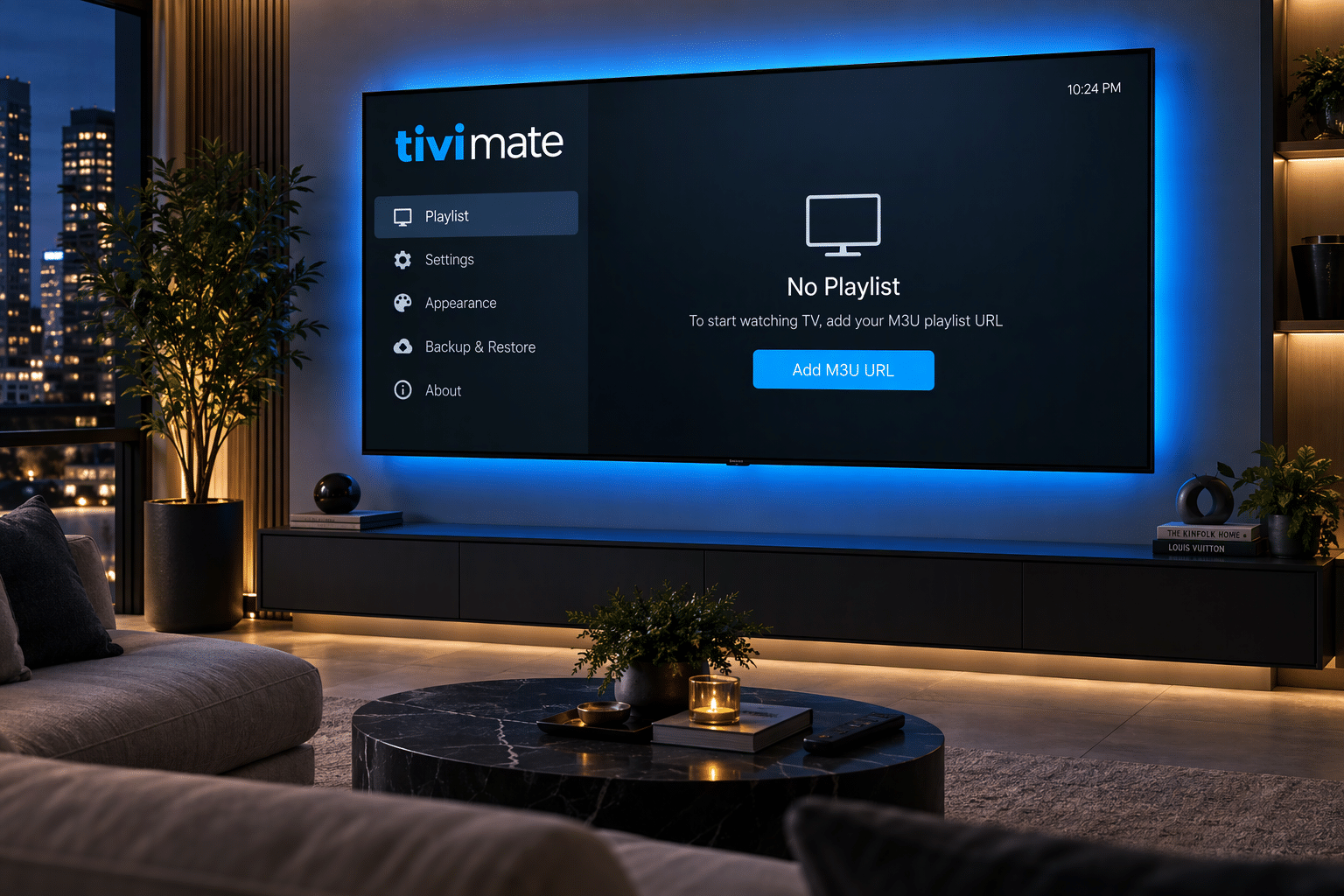
If you just opened your app and saw a blank screen, you are probably asking: does TiviMate include channels?
To give you the direct answer: no, TiviMate does not include channels. Because TiviMate is strictly a media player interface, it comes completely empty. However, you can instantly turn your empty player into a full TV setup by pairing it with our premium playlist links.
Why Does TiviMate Include Channels as a Common Misconception?
Many new users assume that buying an app subscription unlocks instant access to live networks. Furthermore, developers build TiviMate solely as a shell software, which means they do not host any media content themselves.
Because of strict streaming policies, video player apps stay completely separate from content providers. Therefore, the app gives you a beautiful interface, but you must plug in an active service to feed video streams into it.
💡 Ready to stream instantly?
Grab a high-speed playlist connection, or head over to our Shop to get your free trial test right now!
Setting up your streams takes just a couple of minutes once you have valid provider details. Simply follow these quick steps:
Launch TiviMate on your Android TV or Firestick device.
Select Add Playlist on your screen.
Choose Xtream Codes API or M3U Playlist.
Type in the Server URL, Username, and Password sent to your email.
Click Next to let the app auto-load your live channels and EPG guide.
Consequently, having a stable provider is what prevents constant buffering and error screens. If you want to compare different video players before setting everything up, check out our guide on the Best IPTV Player Apps in 2026.
Get a Free Trial Before Buying Your Subscription
Since finding a reliable provider can feel risky, we believe you should test before spending a single dollar. For this reason, we offer a risk-free demo so you can check channel quality and server speed directly on your TiviMate setup.
Moving to a New Smart TV or Firestick?
Avoid connection errors when migrating your active streams! Discover reliable, multi-device server plans with zero buffering.
You can move your login details to multiple devices easily. However, watching channels simultaneously on two screens requires a multi-room account subscription.